AION 2 Wardrobe and Appearance Planning Guide
Plan a coherent AION 2 look across armor, costumes, weapons, hairstyle, wings and dye choices before spending limited currency or materials.
Updated: 2026-10-21 · Published: 2026-10-21
On this page
A good AION 2 wardrobe is planned as one silhouette, one color story and one practical acquisition list. Looking at every cosmetic separately makes it easy to spend on pieces that never work together. Start with the character's permanent appearance, choose a visual theme, and preview armor, costume, weapon, wings and dye choices as a complete set whenever the current client allows it.
Define the Appearance Goal First
Write a short description before browsing items: for example, “light silver field armor with blue accents” or “dark ceremonial costume with a compact weapon profile.” The sentence becomes a filter. If an attractive piece does not support it, save it for another set instead of forcing it into the current one.
Choose whether the set is intended for ordinary play, screenshots, PvP visibility or role-play. A dramatic costume may photograph well but hide important combat readability. A practical set can still have one distinctive focal point without combining every rare effect at once.
Lock the Character and Hairstyle Foundation
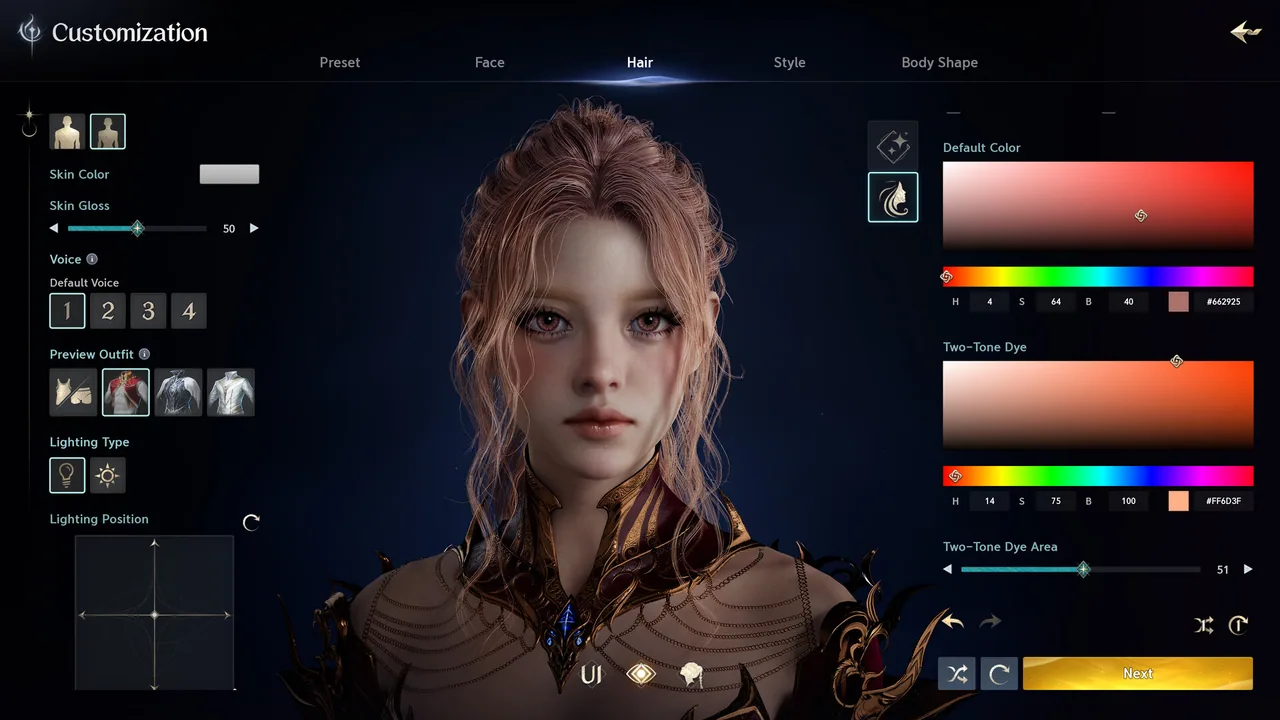
Face shape, body proportions, skin tone and hairstyle affect how every outfit reads. Review the character from front, side and back under more than one lighting condition. Long hair may overlap a collar or wings, while a wide silhouette can change how armor proportions feel.
If appearance changes require a paid or limited item, do not use one to solve a problem caused only by a single costume. Save screenshots of the current character and the intended change. The character creation guide and preset guide provide a repeatable comparison process.
Build Around Armor or a Costume Anchor
Select one anchor piece: usually the chest armor, a full costume or the item with the strongest silhouette. Then choose the remaining slots to support its material, shape and level of detail. Mixing armor can work well when plates, cloth edges and ornaments share a visual language; it looks accidental when every slot competes for attention.
Check which appearance layer is active and whether a costume overrides individual armor visuals. Confirm bind, trade, extraction and reuse rules in the live tooltip before committing a valuable skin. Keep combat equipment decisions separate from cosmetic decisions unless the interface explicitly links them.
Match Weapon, Wings and Motion
The weapon is visible during much of normal play, so its scale and effect should support the outfit. Preview both idle and combat states when possible. A compact costume can be overwhelmed by a large glowing weapon, while heavy armor may need a stronger visual anchor.
Wings, capes and back pieces shape the rear silhouette and can cover details that looked important in a front preview. Inspect the character while moving, gliding and standing. Choose one dominant effect source—weapon, wings or costume—then let the other pieces frame it.
Use Dye as a Unifying Tool
Dye is most useful for connecting pieces with slightly different base colors. Test the largest surface first, then use secondary colors for trim. Neutral colors make mixed materials easier to combine; a saturated accent works best when repeated in only a few places.
Do not assume every part accepts dye or that the preview exactly matches every zone's lighting. Check available channels, the item tooltip and the final confirmation screen. If dye is consumed, record the color name or value before applying it so the set can be repaired later.
Preview Under Real Conditions
Inspect the full appearance in bright outdoor light, a darker interior and the activity where it will be used. Rotate the camera, draw the weapon, move and activate common skills. Look for clipping, hidden details, excessive glow and colors that merge with the background.
Take four reference images: front, back, side and combat stance. Add the names of the armor, costume, weapon, hairstyle, wings and dye. This small record is more useful than remembering only the finished screenshot, especially when a patch adds new options.
Turn the Look Into an Acquisition List
Separate owned pieces from missing pieces and verify each missing item's current source in the game. Mark whether it comes from a quest, shop, achievement, event, drop or another system, then note any time limit or currency cost shown by the client. Do not copy an old route without checking current availability.
Acquire the anchor piece first. Next obtain the pieces that control silhouette, then colors and minor accessories. This order prevents spending on a perfect dye or small ornament before learning that the main costume is unavailable. The skins guide explains how to evaluate cosmetic sources and restrictions.
Avoid Expensive Appearance Mistakes
Before confirming a purchase or conversion, check character restrictions, class or gender rules, bind state, dye support and whether the visual can be reused. Never destroy functional equipment merely to test a cosmetic process you do not understand. Use preview functions and low-value items to learn the workflow first.
Keep one “finished” set and one experimental set. The finished set protects a reliable appearance for play; the experimental set gives new drops somewhere to go without breaking the main design. Revisit the plan when a new hairstyle, costume or weapon genuinely improves the whole look—not simply because it is new.
Related guides
AION 2 Skins Guide: Costume Sets, Collection Bonuses and Fusion
Understand AION 2 skins, costume and weapon-skin counts, collection value, exceptional applied stats and versioned fusion rates.
Read moreCharacter CustomizationAION 2 Character Creation Guide: Presets, Customization and Appearance Changes
AION 2 character creation explained: presets, face and body sliders, the Style Shop preset sharing system, and what re-editing your appearance costs.
Read more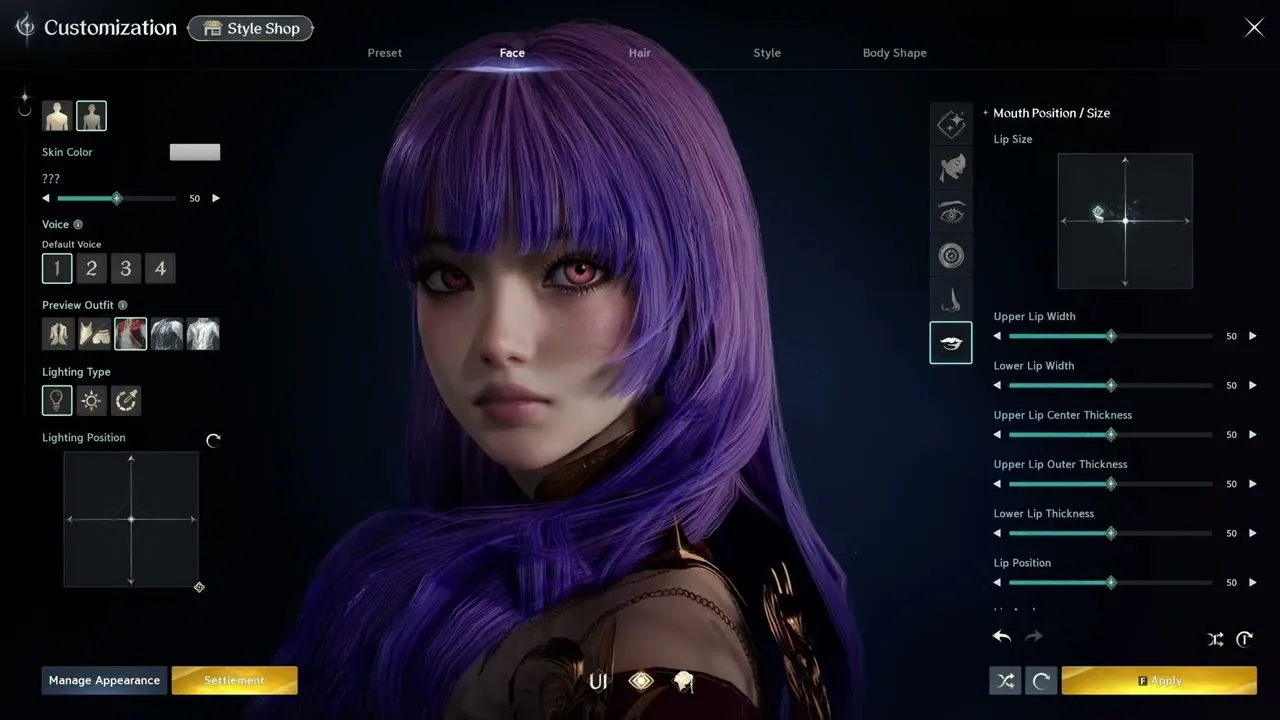 Character Customization
AION 2 Character Presets: How to Download, Share and Install Them
How the AION 2 preset system works: download community character presets from the Style Shop, import them in-game, and share your own creations.
Read more